
Why back up wedding photos? 99.999999999% protection guide 2026


UK couples invest thousands in wedding photography, with the average spend reaching £1,500 or more, yet surprisingly, over half fail to maintain proper backup systems for these irreplaceable memories. Your wedding photos capture once-in-a-lifetime moments that cannot be recreated. Despite this emotional and financial investment, many couples worry about losing these precious images to hardware failure, accidental deletion or disaster. Understanding how to back up wedding photos properly transforms this anxiety into lasting peace of mind.
Table of Contents
Key takeaways
Point | Details |
Hardware failure causes most losses | 60% of data loss incidents result from sudden hardware failure without warning |
The 3-2-1 rule protects photos | Keep 3 copies on 2 different media types with 1 stored offsite |
Photographers retain images briefly | Most photographers keep wedding photos for only 1 to 5 years, not permanently |
Regular maintenance prevents loss | 30% of losses within 5 years occur due to format obsolescence or unnoticed deletion |
Couples bear primary responsibility | You must create and maintain long-term backups to preserve memories for decades |
Risks that threaten your wedding photos
Your wedding images face multiple serious threats that can result in permanent, irreversible loss. Understanding these risks helps you appreciate why robust backup strategies are essential rather than optional.
Hardware failure represents the single greatest danger to your photos. Research shows that 60% of data loss incidents result from sudden hardware failure, often occurring without any warning signs. Your computer’s hard drive, external drive or memory card can fail catastrophically at any moment, taking every stored image with it.
Accidental deletion during file transfer or photo organisation represents another common cause of loss. When managing large wedding photo collections, it’s easy to select the wrong folder or mistakenly format a storage device. These human errors happen more frequently than most people realise, particularly when tired or distracted.
Long-term threats include data corruption and file format obsolescence. Digital files can degrade over time, developing errors that render photos partially or completely unreadable. Additionally, file formats that work perfectly today may become unsupported by future software, making your photos inaccessible without specialised conversion tools.
Physical disasters pose significant risks as well. Theft, fire, flooding or other catastrophic events can destroy your computer, external drives and any other storage devices kept in your home. Without offsite backups, a single incident can eliminate every copy of your wedding photos simultaneously.
Statistics reveal that most losses occur within the first five years following your wedding. This vulnerable period coincides with file transfers, storage reorganisation and the gradual degradation of backup habits over time. Taking action now rather than later dramatically improves your photos’ chances of surviving these critical early years.
Common misconceptions about backing up wedding photos
Many couples hold mistaken beliefs about photo backup that leave their precious memories vulnerable to loss. Correcting these misconceptions helps you develop truly effective protection strategies.
The most dangerous misconception is believing that having originals on your phone or computer constitutes a backup. A backup means having a separate, additional copy stored elsewhere. If your only copy exists on a single device, you have no backup whatsoever. When that device fails, gets lost or is stolen, your photos disappear permanently.
Many couples assume their photographer keeps their wedding images indefinitely as a permanent backup. This belief is false. Most photographers retain images for only 1 to 5 years due to storage costs and legal considerations. After this retention period expires, photographers typically delete files to make room for new clients. You cannot rely on your photographer for long-term preservation.
Some people believe cloud storage services are completely infallible and require no supplementary backup. While cloud providers offer exceptional reliability and durability, no system is absolutely guaranteed forever. Account access issues, service discontinuation or rare data centre failures can still threaten your photos. Relying exclusively on cloud storage without a physical backup creates unnecessary risk.
The notion that creating one backup provides sufficient protection represents another critical misunderstanding. A single backup means you have only two copies total. If your original and your one backup both fail, become corrupted or are destroyed simultaneously, you lose everything. Proper protection requires multiple backups across different storage types and locations.
Finally, many couples create backups initially but never verify or update them. They assume their backup remains intact and accessible without regular checks. Without periodic testing and maintenance, backups can fail silently, leaving you with a false sense of security until the moment you desperately need them.
Pro Tip: Schedule a recurring calendar reminder every six months to verify that all your backup copies remain accessible and complete.
Effective backup strategies for wedding photos
Implementing proven backup methods protects your wedding photos throughout your lifetime. The following strategies provide comprehensive security against every common threat.
The 3-2-1 backup rule forms the foundation of reliable photo preservation. This principle requires maintaining three total copies of your photos, stored on two different types of media, with one copy kept offsite. This redundancy ensures that multiple simultaneous failures would need to occur before you lose your images permanently.

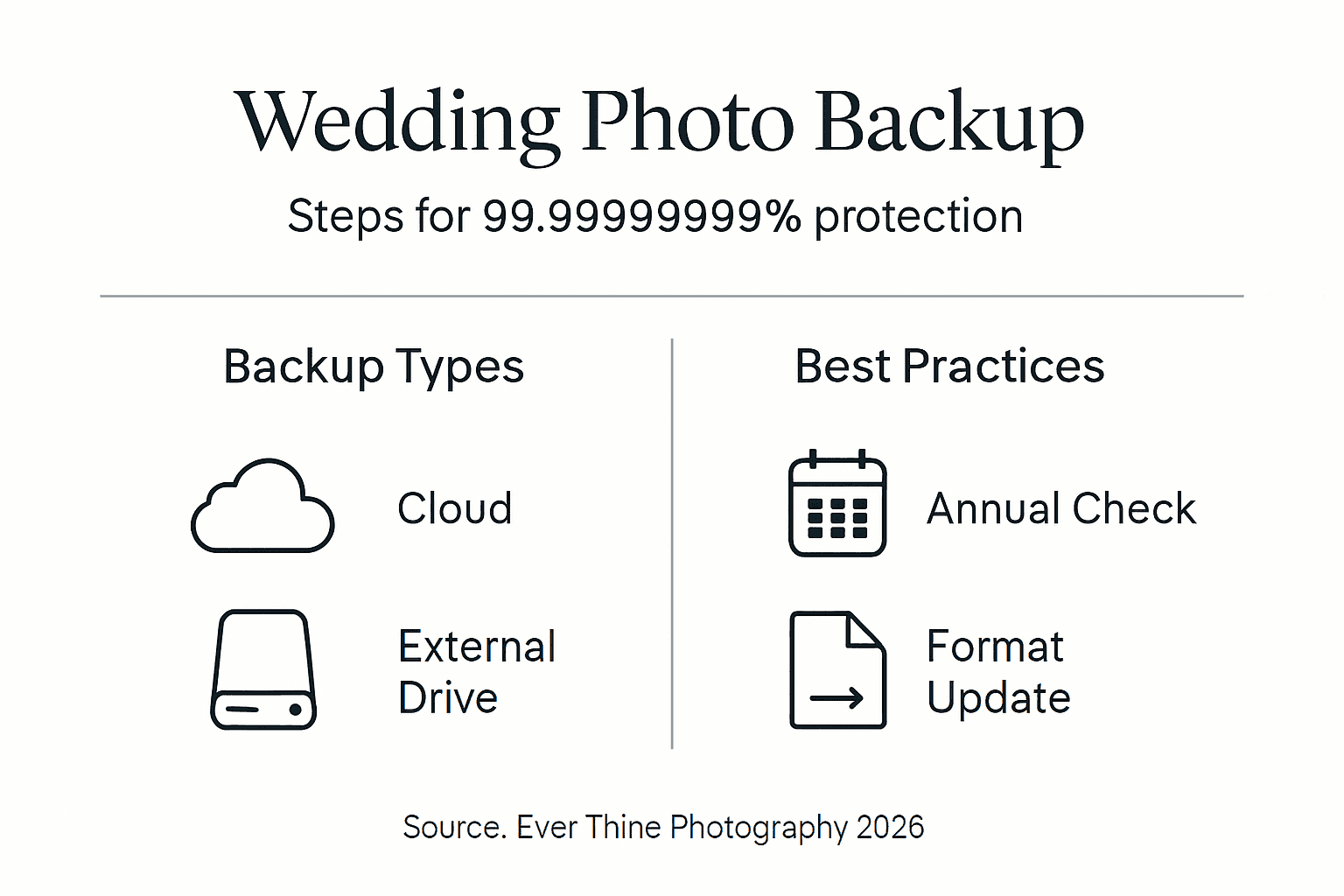
Cloud storage services offer exceptional durability and convenience for one component of your backup strategy. Leading providers deliver 99.999999999% durability, meaning your data is extraordinarily unlikely to be lost due to infrastructure failure. Cloud storage also provides automatic geo-redundancy, protecting your photos even if an entire data centre experiences catastrophic failure.
Physical external hard drives serve as an equally important backup component. These devices offer fast local access to your entire photo collection without requiring internet connectivity. For disaster recovery situations, having a physical backup means you can restore thousands of photos in minutes rather than hours or days of downloading.
Hybrid approaches combining cloud and physical backups deliver optimal protection. Store one copy on your primary computer, a second copy on an external hard drive kept at home, and a third copy in cloud storage. This configuration satisfies the 3-2-1 rule whilst providing both quick local access and offsite disaster protection.
When selecting cloud providers, prioritise established services with proven reliability, strong encryption and reasonable pricing for photo storage. Popular options include Google Drive, Dropbox, Microsoft OneDrive and specialised photo services like Amazon Photos. Choose providers offering automatic syncing to reduce the burden of manual uploads.
For external hard drives, invest in reliable brands known for durability rather than choosing the cheapest option. Look for drives with at least 1TB capacity to accommodate your wedding photos plus other important files. Consider purchasing two identical drives, keeping one at home and another at a trusted family member’s house for true offsite protection.
Comparison of backup methods:
Method | Durability | Access speed | Cost | Offsite protection |
Cloud storage | Exceptional | Moderate | Subscription fee | Yes |
External hard drive | Good | Fast | One-time purchase | Only if stored elsewhere |
Computer hard drive | Moderate | Fastest | Included | No |
Hybrid approach | Excellent | Variable | Combined costs | Yes |
Automating your backup process dramatically improves reliability by removing human error from the equation. Configure cloud storage services to automatically sync your photo folders. Set up regular automatic backups to external drives using built-in backup software or third-party applications. Automation ensures backups happen consistently even when you’re busy or forget.
Pro Tip: Label your external hard drives with the backup date and contents, then store one drive at a parent’s or sibling’s home for true offsite protection.
These professional workflow approaches mirror how photographers themselves protect client images, applying commercial-grade reliability to your personal photo archive. Following systematic backup procedures ensures nothing falls through the cracks during your preservation efforts.
Role of photographers vs couples in photo backup
Understanding who bears responsibility for long-term photo preservation prevents dangerous assumptions that could result in permanent loss. Clear communication and realistic expectations are essential.
Photographers typically retain your wedding images for a limited period, usually between one and five years. This retention window allows time for you to request additional prints, albums or files following your wedding. However, photographers cannot maintain archives indefinitely due to storage costs and legal liability concerns. Beyond the stated retention period, most photographers delete files to make room for new clients.
Photography contracts normally specify image ownership rights and retention policies explicitly. Review your contract carefully to understand exactly how long your photographer commits to storing your photos. Some photographers offer extended retention for an additional fee, whilst others provide no guarantees beyond delivering your initial files.
As the client, you bear ultimate responsibility for creating and maintaining long-term backups of your wedding photos. Once your photographer delivers your digital files, treat the handover as the beginning of your preservation responsibility. Do not assume your photographer serves as a permanent backup source or archive.
Request your original high-resolution files from your photographer promptly after your wedding. Download these files immediately and begin your backup process without delay. The sooner you establish proper backups, the sooner you eliminate the risk of loss during the vulnerable transition period when files are being transferred and organised.
Maintain open communication with your photographer about their retention policies and backup services. Ask specific questions about how long they keep files, whether they offer extended storage options, and what format they use to deliver your images. Professional photographers appreciate clients who understand these practical considerations and take preservation seriously.
Long-term maintenance of your backup
Creating backups represents only the first step in lifelong photo preservation. Regular maintenance ensures your backups remain accessible and functional for decades to come.
Research indicates that 30% of losses within five years occur due to format obsolescence or unnoticed deletion. These preventable failures highlight why ongoing vigilance matters as much as initial backup creation. Your photos face different threats over time as technology evolves and storage media ages.
Verify your backup integrity at least annually by actually opening files and confirming they display correctly. Corrupted files may appear intact in directory listings but fail when you attempt to view them. Regular verification catches corruption early, whilst you still have other copies available to replace damaged files.
Migrate your photos to updated file formats and newer storage media as technology progresses. Today’s standard JPEG and RAW formats will likely remain readable for many years, but obsolescence eventually affects all digital formats. Stay informed about format recommendations and migrate files proactively rather than waiting until old formats become unsupported.
Replace physical storage devices every three to five years, even if they appear to function perfectly. Hard drives, SSDs and other media degrade over time, with failure rates increasing significantly after several years of use. Preventive replacement costs far less than professional data recovery services or the irreplaceable loss of your memories.
Set recurring calendar reminders for annual backup audits and updates. During each audit, verify that all backup copies remain accessible, test file integrity by opening sample photos, confirm cloud storage subscriptions remain active, and replace ageing physical drives. These regular checkups catch problems before they become catastrophic.
Synchronise your physical and cloud backups periodically to ensure both contain identical current files. Over time, discrepancies can emerge if you add newly scanned prints or professionally restored photos to one location but not others. Annual synchronisation maintains consistency across all backup copies.
Pro Tip: Create a simple spreadsheet documenting where each backup copy lives, when you last verified it, and when physical drives were purchased, making maintenance tracking effortless.
Conclusion: Securing your wedding memories forever
Your wedding photos represent irreplaceable emotional treasures that deserve comprehensive protection. Hardware failure, accidental deletion, format obsolescence and physical disasters all threaten these precious memories, with most losses occurring within the first five years.
Implementing the 3-2-1 backup rule provides robust defence against every common threat. Maintain three copies of your photos on two different media types with one copy stored offsite. Combine cloud storage’s exceptional durability with physical hard drives’ fast local access for optimal security.
Take action today rather than postponing this critical task. Your photographer likely retains your files for only a few years, after which you become solely responsible for preservation. Regular maintenance, including annual verification and format migration, ensures your backups remain accessible for decades.
Protecting your wedding memories properly delivers invaluable peace of mind. You’ll never fear losing these irreplaceable moments to preventable disasters or technological obsolescence.
Preserve your wedding memories with expert photography and backup support
Capturing your wedding day beautifully is only the beginning of preserving your memories. At Ever Thine Film & Photography, we combine artistic documentary-style photography with practical support to help couples safeguard their special moments for life.

Our wedding photography services across Derbyshire deliver high-resolution digital files optimised for easy backup and long-term preservation. As an award-winning team serving Staffordshire, we understand that great photography extends beyond the wedding day to include helping clients protect their investment.
We serve couples throughout Worcestershire and the wider Midlands region, capturing authentic, unposed moments that tell your unique love story. Our commitment to delivering easily accessible digital files ensures you can implement proper backup strategies immediately after your wedding. Contact us today to discuss how we can capture and help preserve your most precious memories.
FAQ
Can I rely on smartphones to back up wedding photos safely?
Smartphones alone do not constitute a proper backup system. They remain vulnerable to loss, theft, physical damage and hardware failure. Treat your phone as a temporary storage location only. Create separate backups using cloud storage and external hard drives to protect your wedding photos properly.
How long do photographers keep my wedding photos?
Most photographers retain wedding images for between one and five years only. After this period, they typically delete files to manage storage costs and legal liability. Your photography contract should specify the exact retention period. Never rely on your photographer as a permanent archive for your wedding photos.
What is the 3-2-1 backup rule and why is it important?
The 3-2-1 rule requires keeping three total copies of your photos, stored on two different types of media, with one copy kept offsite. This strategy protects against simultaneous failures by ensuring redundancy across multiple storage methods and locations. Following this rule minimises the risk of complete data loss from any single cause.
How often should I check and update my wedding photo backups?
Schedule backup verification at least once per year, checking that files remain accessible and uncorrupted. Test actual file opening rather than merely confirming files exist in directories. Update file formats and replace physical storage devices every three to five years to prevent obsolescence and age-related failures.
Recommended

Comments